Learning Hub · Beginner · 20 minutes per cycle
How to Update WordPress Safely
Stay current without the update-broke-my-site lottery — a practical, no-jargon walkthrough with the classic mistake flagged before you make it.
The short answer
In one line: stay current without the update-broke-my-site lottery — a beginner-level job taking 20 minutes per cycle.
Below: the exact steps, the classic pitfall, and a pro tip from the support desk. Where our platform automates a step, the guide says so rather than making you do robot work.
Beginner
Difficulty
Quick
Time needed
5
Steps
24/7
Help if you're stuck
You don't need to be technical for this — the walkthrough is written for first-timers, tested against our own platform, and honest about which parts are genuinely fiddly versus merely unfamiliar.
One promise before starting: nothing in this guide is irreversible. Where a step could bite, we say so and give the undo.
The route map
Start to finish, you'll snapshot before touching anything, update in the stable order, use staging for the scary ones, verify the site afterwards and automate the safe tier.
None of the stages requires code or a terminal unless the guide explicitly says so — and where it does, the exact commands are given. The full step-by-step sits below; the surrounding sections cover the context that makes it stick.
The mistake almost everyone makes
The fear-driven update freeze — sites left months behind 'for stability' accumulate the exact vulnerabilities that cause the instability the freeze feared.
Forewarned is genuinely forearmed here — this exact mistake accounts for most of the frustration this topic produces, and it's entirely avoidable once named.
From the support desk: the shortcut
A weekly fifteen-minute update ritual beats sporadic marathon sessions — small deltas mean easy diagnosis, and the backup-update-verify loop becomes muscle memory.
It costs a minute now and repays it every time this task comes around again — which, like most hosting tasks, it will.
The parts you can skip on our hosting
We've automated the steps that don't deserve your time: certificates issue and renew themselves, the installer handles application setup, daily backups cover the what-if, and per-site settings live in a panel instead of config files. The guide above covers what's left — the part that's actually about your site.
Stuck mid-task at an odd hour? That's what 24/7 human support is for — describe where you are in this guide and we'll take it from there.
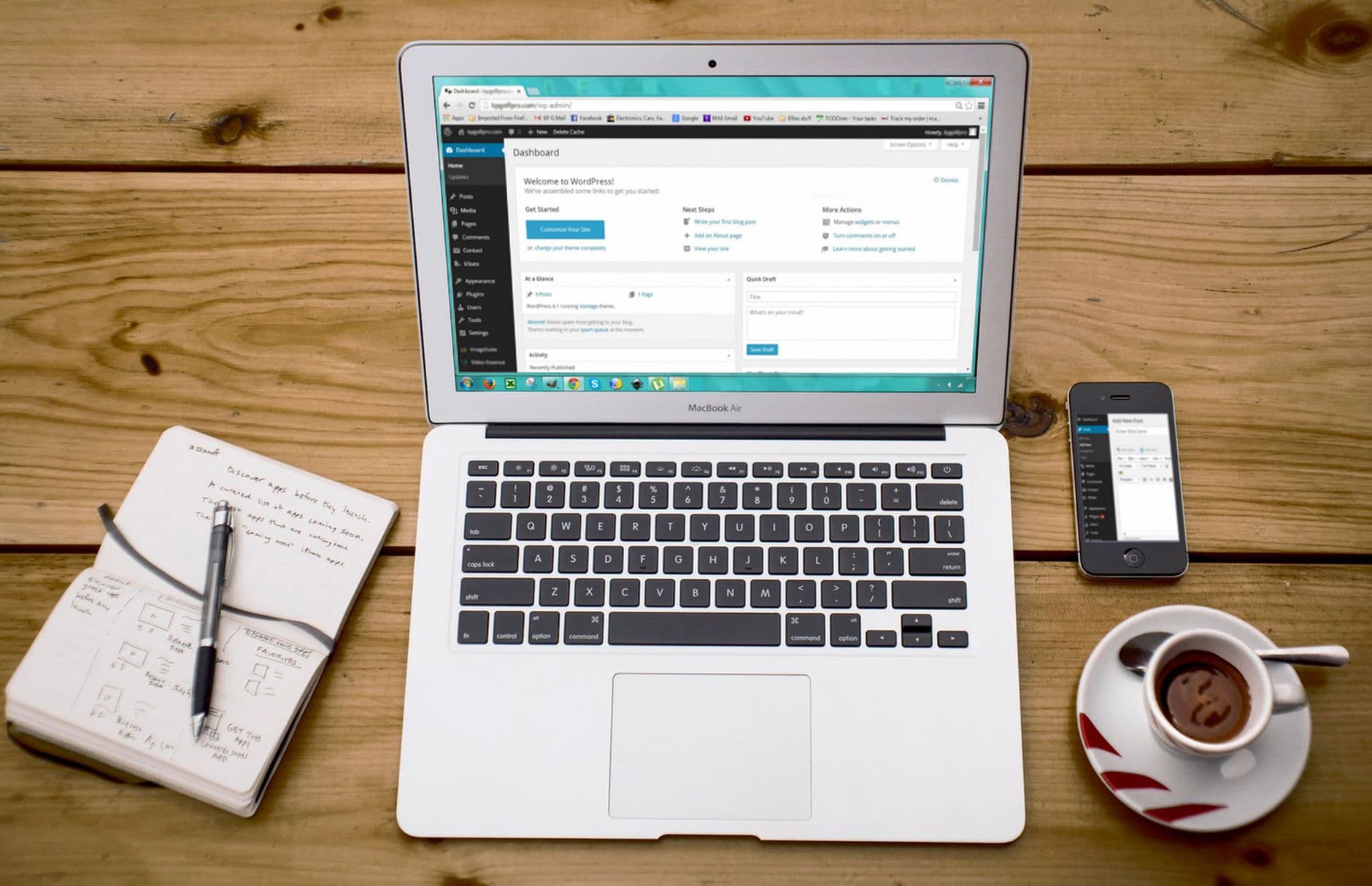
Guides are easier on a good platform
Every walkthrough in our Learning Hub is tested on the platform we actually run — cPanel, LiteSpeed, NVMe, one-click installs — so instructions match your screen instead of gesturing at it.
Annual plans include your first year of domain registration on us.
- Step-by-step, tested as written
- The gotcha flagged before you hit it
- Automation covers the boring steps
- 24/7 support if you get stuck
Why HostingAlly
What you get with every plan
Written from real tickets
Our guides come from the support desk — the gotchas are the ones people actually hit.
No jargon tax
Terms are explained in place or linked to the glossary — nothing assumes you already know.
The undo is always named
Where a step could bite, the guide says so and gives the reversal.
Automation where it belongs
SSL, backups and installs run themselves here — the guide covers only what's genuinely yours to do.
Works as written
Every step tested on our own platform — no 'your host may vary' hand-waving.
Help on standby
Stuck at step three at midnight? Support answers around the clock, mid-guide included.
Getting Started
How to get going
- 1
Snapshot before touching anything
One manual backup turns every update from a gamble into an undoable action — this step is the entire safety model.
- 2
Update in the stable order
Plugins first, then themes, then core — and read the changelog line of anything major; 'tested up to' mismatches are your early warning.
- 3
Use staging for the scary ones
Major version jumps, page-builder updates and WooCommerce releases earn a staging rehearsal — our WordPress plans include the staging sites for exactly this.
- 4
Verify the site afterwards
Front page, one deep page, forms, and checkout if you have one — two minutes of clicking catches what silent failure would hide for weeks.
- 5
Automate the safe tier
Auto-update core minor releases and boring plugins; keep manual control of the load-bearing few — calibrated automation beats both extremes.
Included
What's covered on our plans
- 24/7 support from real people
- SSH, Git and Composer access on developer-friendly plans
- 99.9% uptime commitment, monitored around the clock
- DDoS protection at the network level
- NVMe SSD storage as standard
- Email accounts on your own domain
- Renewal prices that match signup prices
- Free SSL certificate on every plan, renewed automatically
- LiteSpeed server-level caching
- Free website migration handled by our team
FAQ
Your questions, answered
Should everything auto-update?
Minor core releases and low-risk plugins, yes; major versions and anything touching checkout, membership or page-building deserve a manual staging pass. Smart updates (like Toolkit's screenshot-compare) automate even that judgement.
An update broke my site — what's the recovery order?
Restore the pre-update backup first (minutes, via the panel), then investigate on staging at leisure. Debugging live while visitors watch is the wrong order — revert, then diagnose.
Do prices go up at renewal?
No — the price you sign up at is the price you renew at. We don't run teaser-rate economics, so there's no year-two ambush to plan around, and your bookkeeping can rely on the number staying put.
Where is your company based?
HostingAlly is a trading name of Bohzo Ltd, a company registered in England and Wales — a real, verifiable business with published terms under English law, which is worth checking about any host before you hand them your domain.
Is SSL really included at no cost?
On every plan, with no exceptions — certificates are issued automatically when your domain points to us and renew themselves before expiry. The encryption is identical to paid DV certificates; paid tiers exist only for wildcard convenience or organisation-level validation.
Are backups included, and can I restore them myself?
Daily automatic backups are standard, restorable from the panel in minutes — files, databases or both, at 3am without a ticket if that's when you need it. For extra cover, you're welcome to run your own offsite copies alongside.
Which control panel do you provide?
cPanel — the industry standard, which means every tutorial on the internet matches your screen, your backups restore anywhere cPanel runs, and skills learned here transfer for life. Plesk and DirectAdmin options exist on specific plans for those who prefer them.
Keep exploring
How to Check DNS Propagation
Know whether the world sees your DNS change yet — and why some of it doesn't — beginner level, 5 minutes.
How to Set Up a Firewall With UFW
Default-deny protection in five commands — advanced level, 15 minutes.
VPS Hosting
KVM virtual servers with root access, DDoS protection and flat pricing.
WordPress Hosting
Managed WordPress with LiteSpeed caching, staging and automatic backups.
Launch it properly this time.
Fast NVMe hosting, free SSL and migration, and real people on support around the clock — at prices that stay put.
See Hosting Plans